 MySecureLicence
One tap. One app. Nothing else.
When you are asked to show your licence, your phone shouldn't become an open book. MySecureLicence uses Apple's own Guided Access to hold the phone on your licence until you end it.
- Choose your statePick the state whose digital licence you carry.
- AuthenticateConfirm with Face ID or your phone passcode.
- Phone locks to your licenceYour licence app opens and other apps are out of reach.
- Triple-click to finishTriple-click the side button and enter your Guided Access passcode or Face ID to end the lock.
Built for your state
Choose your state to see how it looks on the roadside.
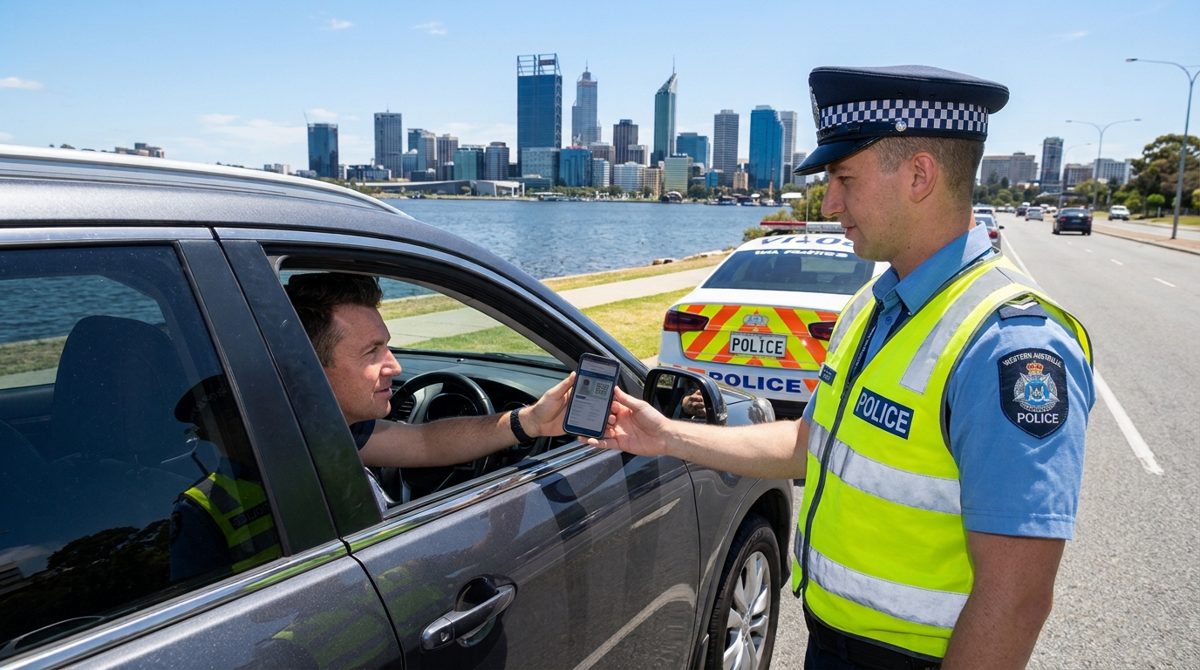
Western Australia
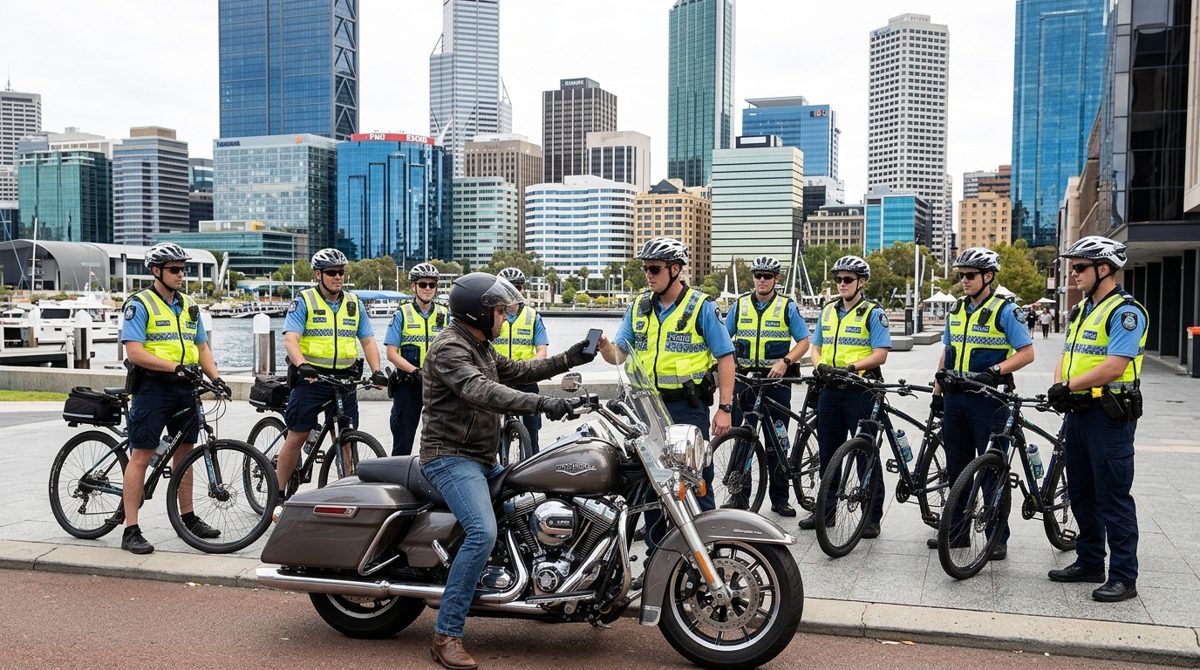
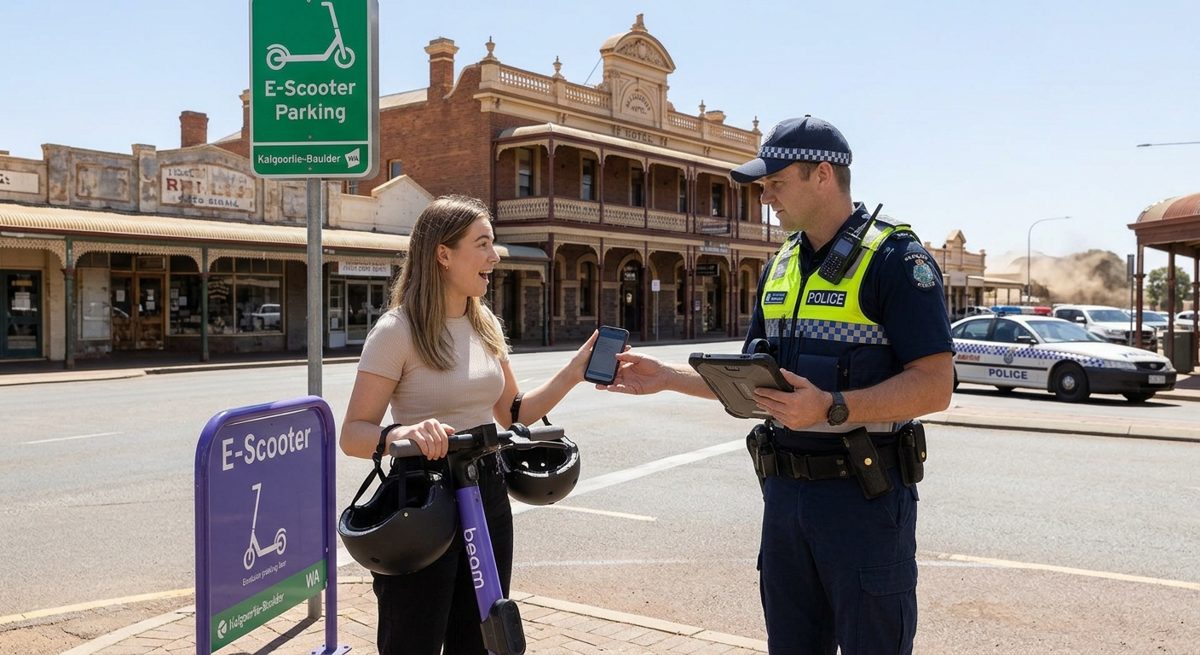
Show your licence on the road, in the city or on a country main street, and keep the rest of your phone to yourself.
Works with the WA digital licence in the ServiceWA app.
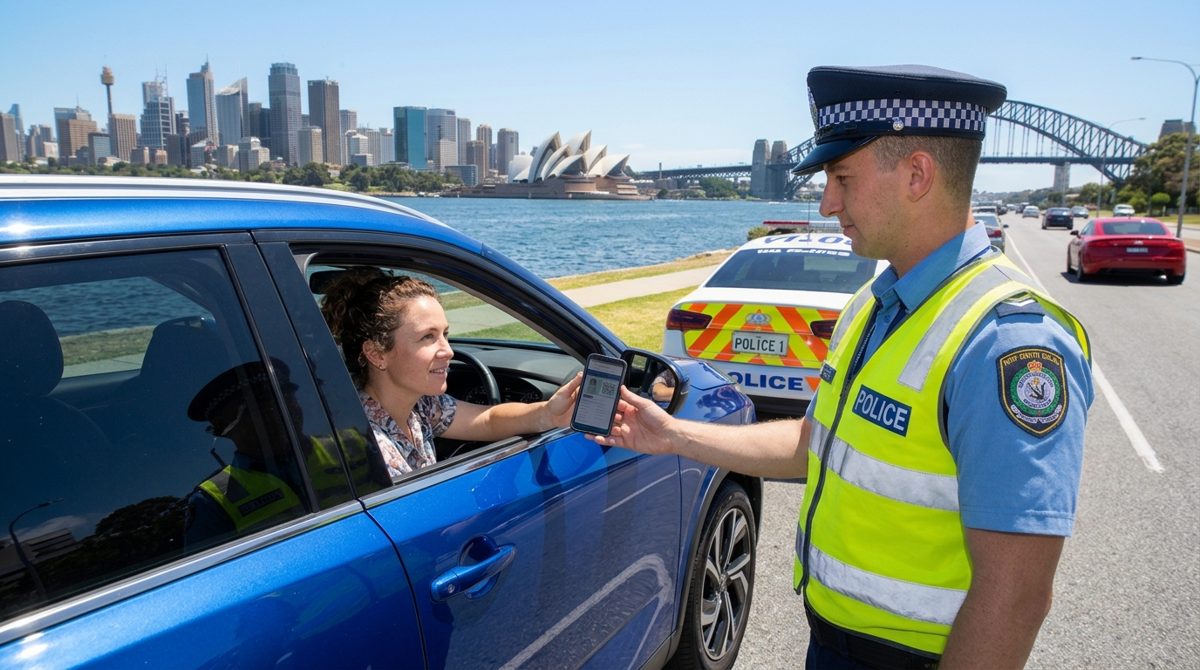
New South Wales
One tap opens your licence and locks the phone to it.
Works with the NSW digital driver licence in the Service NSW app.
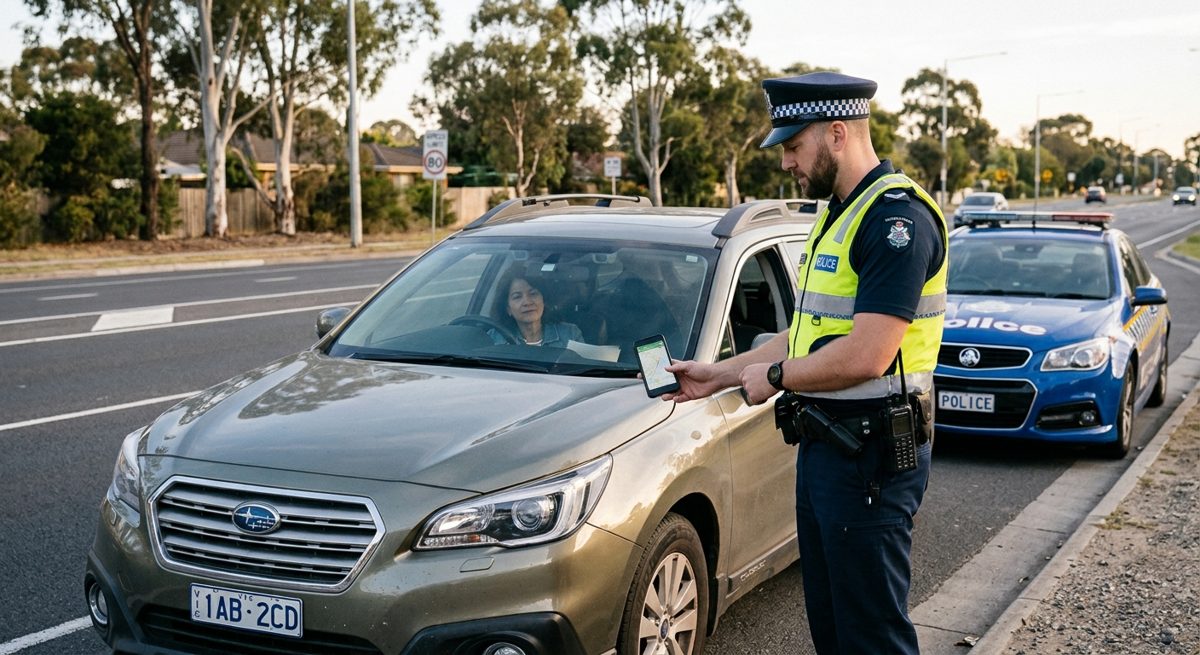
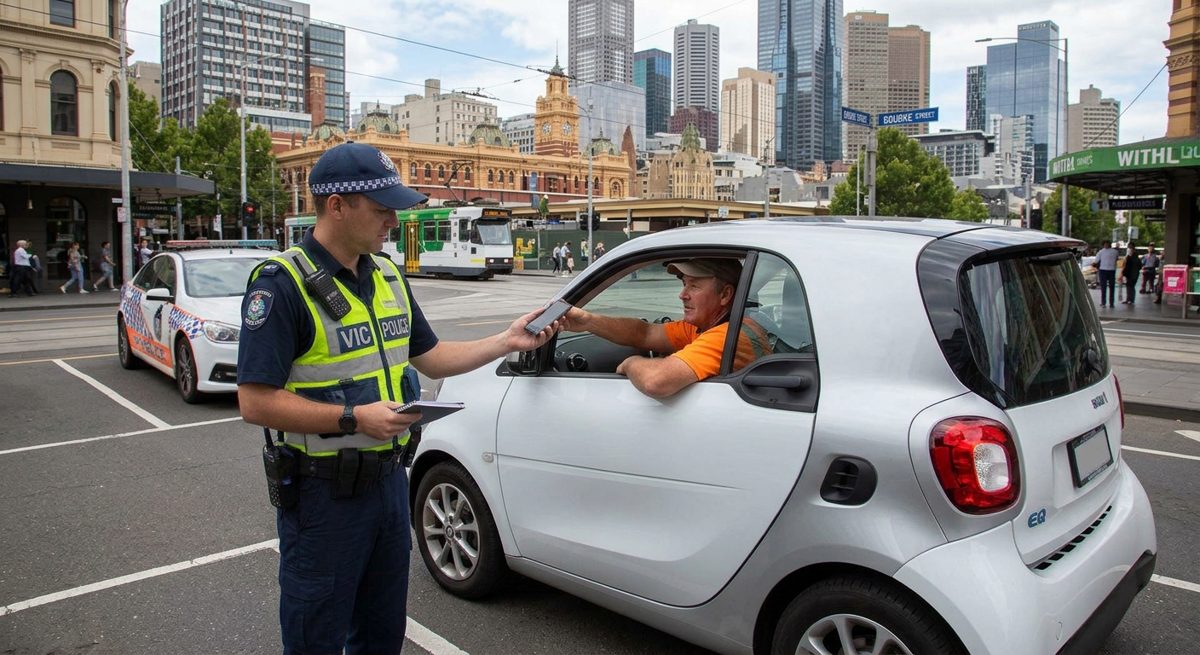
Victoria
Hand over your phone with confidence. It stays on your licence until you say otherwise.
Works with the Victorian digital licence in the Service Victoria app.
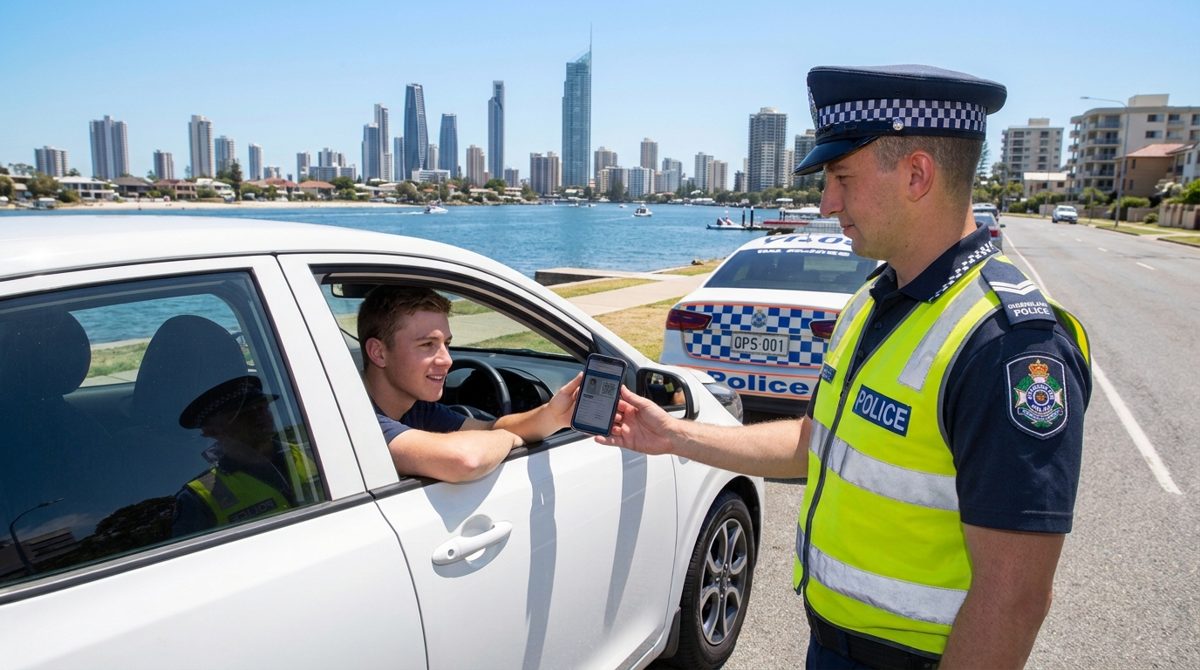
Queensland
Quick to open, simple to end, and private in between.
Works with the Queensland digital licence in the Queensland Digital Licence app.
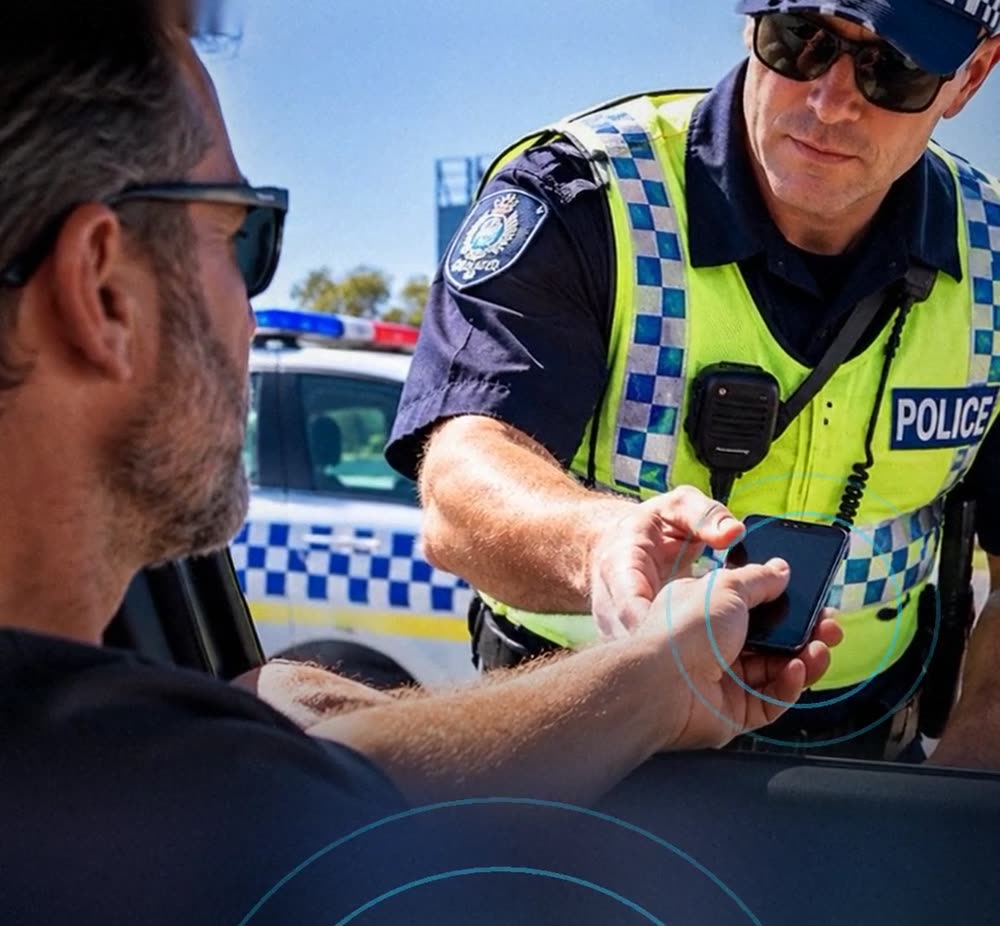
South Australia
Hand over your phone knowing it stays on your licence.
Works with the SA digital licence in the mySA GOV app.
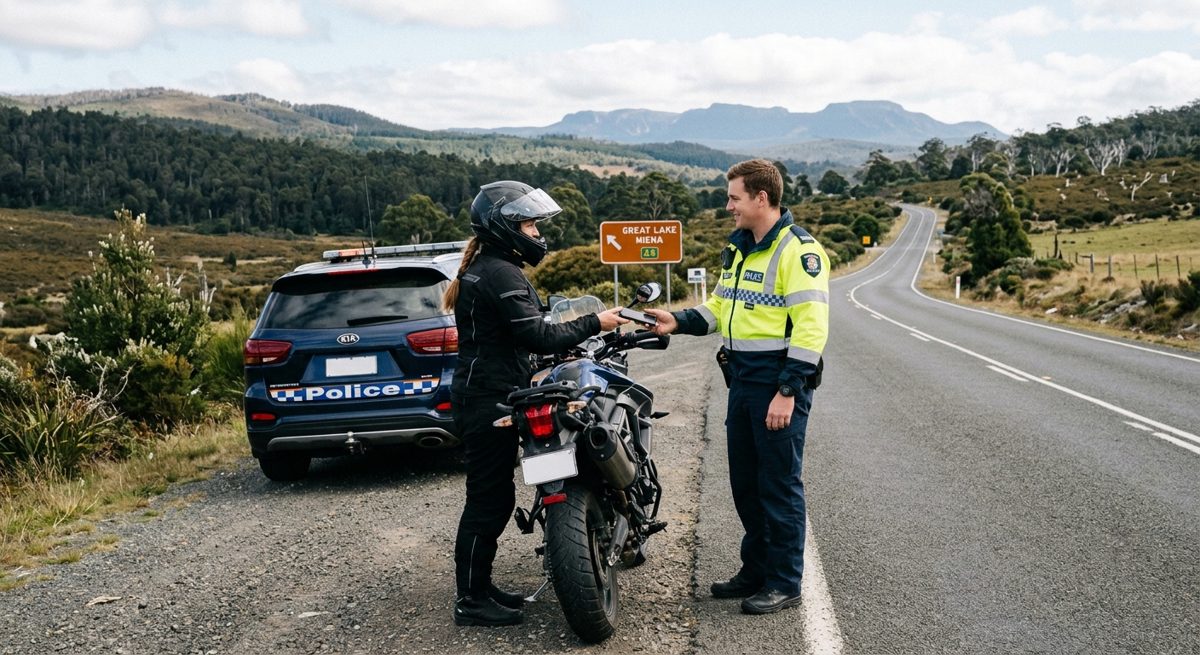
Tasmania
Whether you ride, drive or tour, your licence will stay in view and the rest of your phone private.
Coming soon. Tasmania support will be added when the MyServiceTas digital licence app is available.
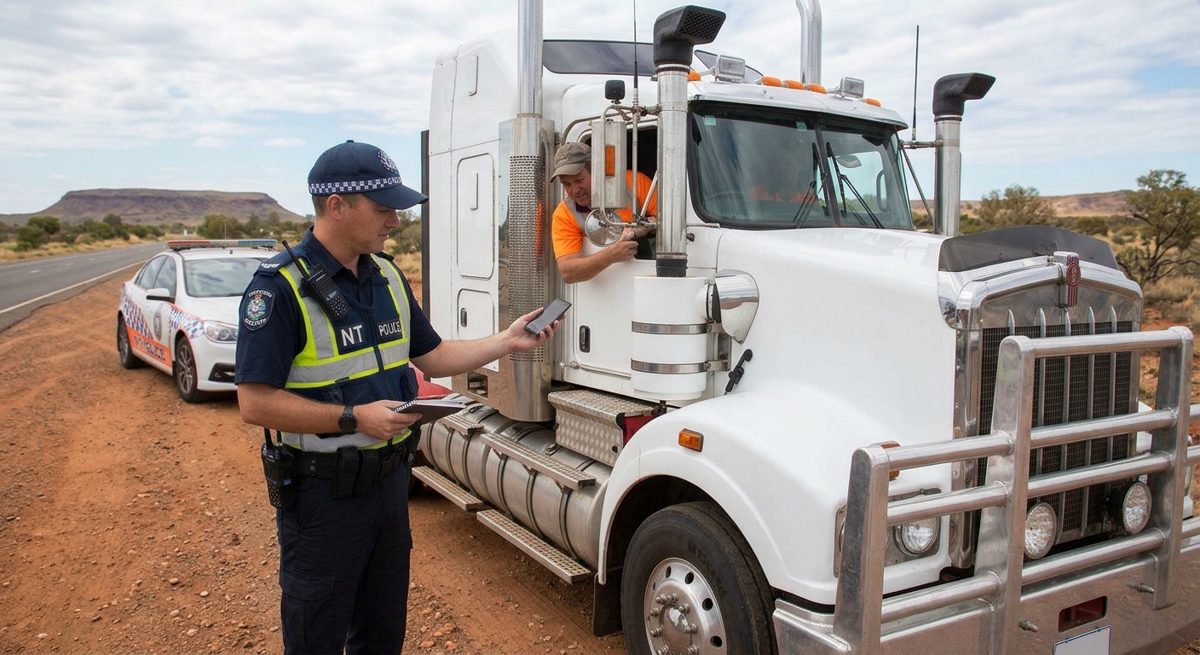
Northern Territory
From the Stuart Highway to the suburbs, your licence stays private.
Coming soon. Northern Territory support is being added.
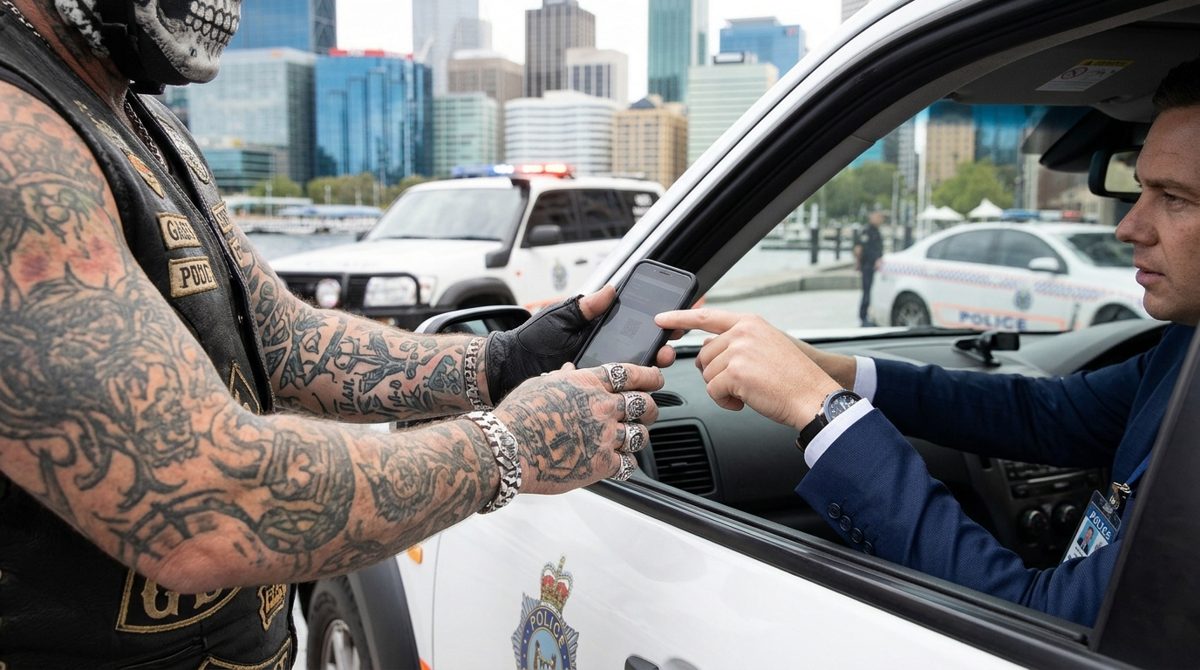
Your phone is more than your licence
Your phone holds your messages, photos, banking and location history. A single tap in the wrong place can open them.
- Calls, messages, camera and location are out of reach while locked.
- Ending the lock needs Face ID or your passcode.
- You stay in control of your own phone.
Why people choose it
Private by design
No account, no tracking and no licence data stored by MySecureLicence.
Uses Apple's own security
The lock is built into iOS, and Face ID or your passcode ends it.
Simple setup
Add two Shortcuts once. After that it is one tap.
Hands-free open
Say "Hey Siri, Open MySecureLicence" to start.
Your state, your app
Opens your own state's official licence app.
Made in Western Australia
Built in Perth by My Global Pty Ltd.